Website Builder
Give prospective members a feel for your studio before their first class. Bring your programs, photos and weekly class schedule together on a website that matches your brand.

Studio management software for martial arts, dance & yoga
Members, classes, belts, check-in and billing in one place, so your hours go to the mat, not the admin.
Give prospective members a feel for your studio before their first class. Bring your programs, photos and weekly class schedule together on a website that matches your brand.
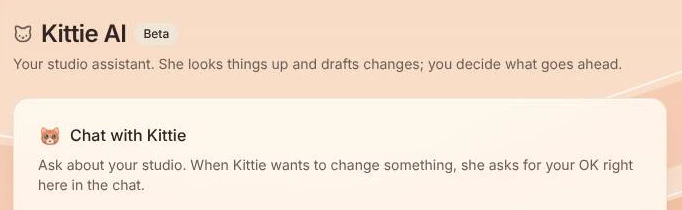
Ask Kittie how attendance or enrollment changed from one month to the next. When families need an update, she can draft a studio announcement for you to review.
Getting started
Sign up with Google, Apple, or email.
Set up your studio from inside the app, then add your classes and schedule.
Monthly, quarterly, or annual plans sync to Stripe automatically.
Email invites bring parents into their own portal.
Every studio gets every feature: no per-feature tiers and no long-term contracts.
Asked and answered
The questions studio owners ask before they bring their classes, families, and belts into Catomni.
Flow meets structure
Create your account, set up your studio, and run the week from one calm dashboard.